I gave a puzzle game
real ray tracing.
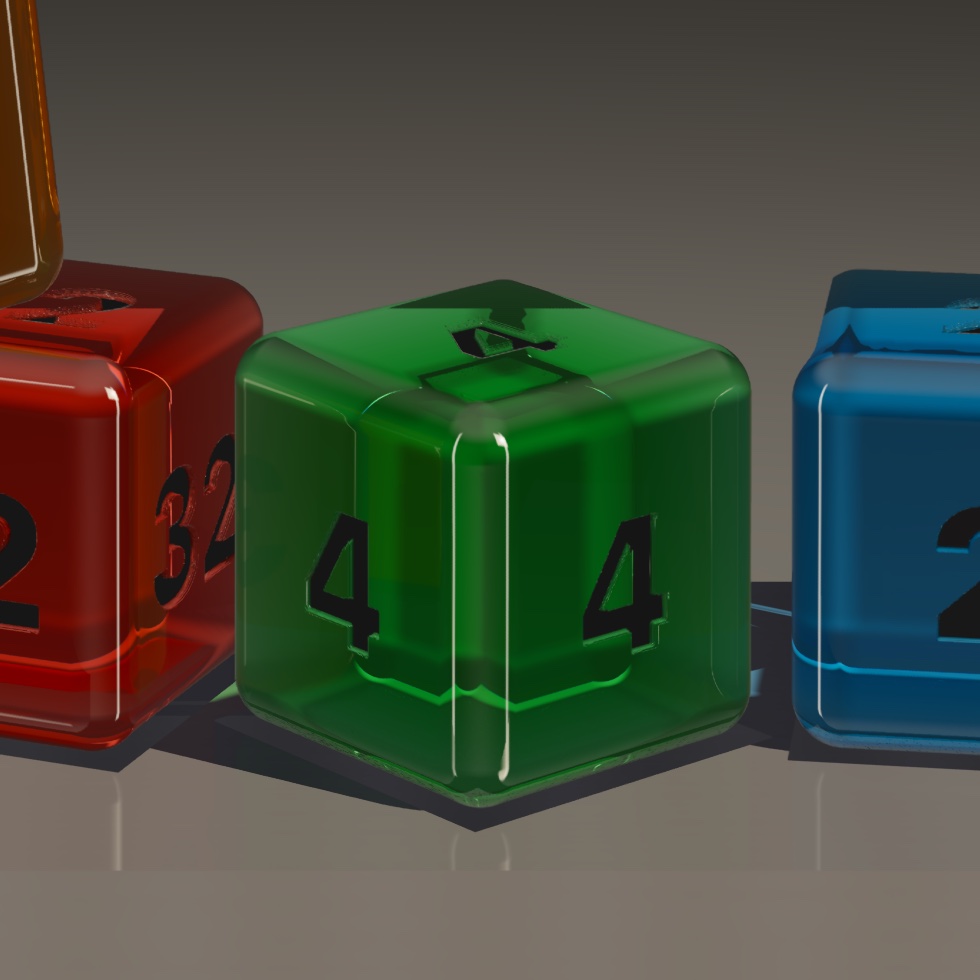
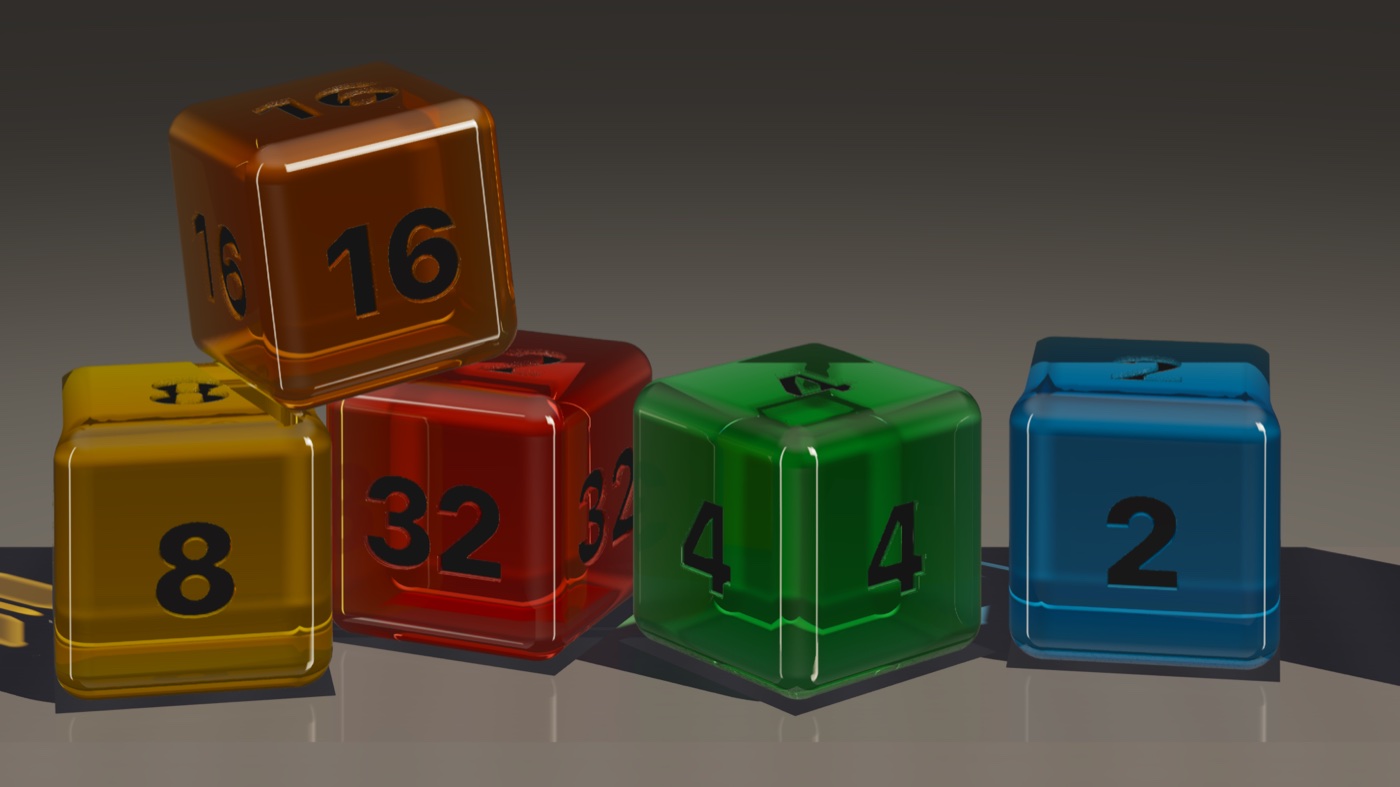
A drop-and-merge game where the pieces are glass, with refraction computed per pixel on the iPhone’s ray tracing hardware. Light bends through each cube, picks up its color on the way through (Beer–Lambert absorption), and lands on the shelf as a colored shadow.
The cubes aren’t meshes. Each one is a signed distance field, and the ray marches along it to find the true rounded surface. So the edges are mathematically round instead of faceted, and the code knows exactly how far light traveled inside the glass.
At the edges and corners, a six-wavelength spectral fan splits the light into visible prism fire. Only there, because that’s the only place real glass does it.
For a while the cubes looked like they had square corners, which is not great on a game whose whole bit is realistic glass. I went after the geometry twice. Didn’t fix it either time. So I built a debug mode that paints every bounce of every ray its own color, and the edges came back perfectly round. The geometry had been fine the whole time. Right at the edge of a cube, glass basically turns into a mirror, and there was nothing off to the side for it to reflect, so the rims went black. And a black outline looks exactly like a hard corner. The fix was hiding a couple of studio lights just out of frame, which is the same trick product photographers use to give glass clean edges.
- Renderer
- Metal, hardware RT
- Target
- 120 Hz locked
- Requires
- A17 Pro or newer
- Fallback
- Full SceneKit path